
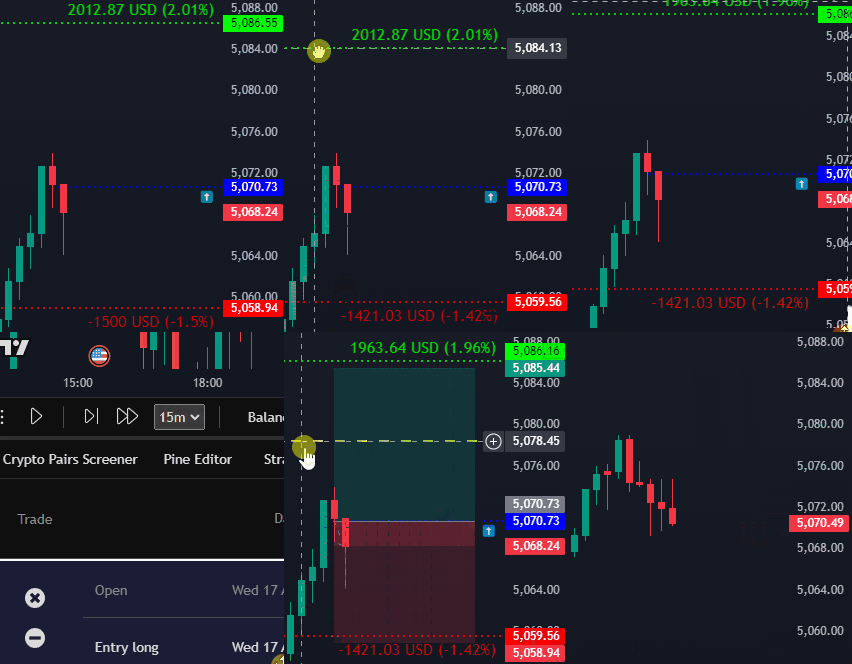
Risk management
Size entries with stop loss, take profit, and risk controls that are tied to your session capital.
TestingView is a historical candle-replay engine based on TradingView. You backtest on the same charts that you already use, including your own TradingView indicators. You also get sessions, simulated trades, risk sizing, a journal of backtested trades, and statistics.
The desktop app needs TradingView Desktop already installed. TestingView runs as an add-on inside that app.
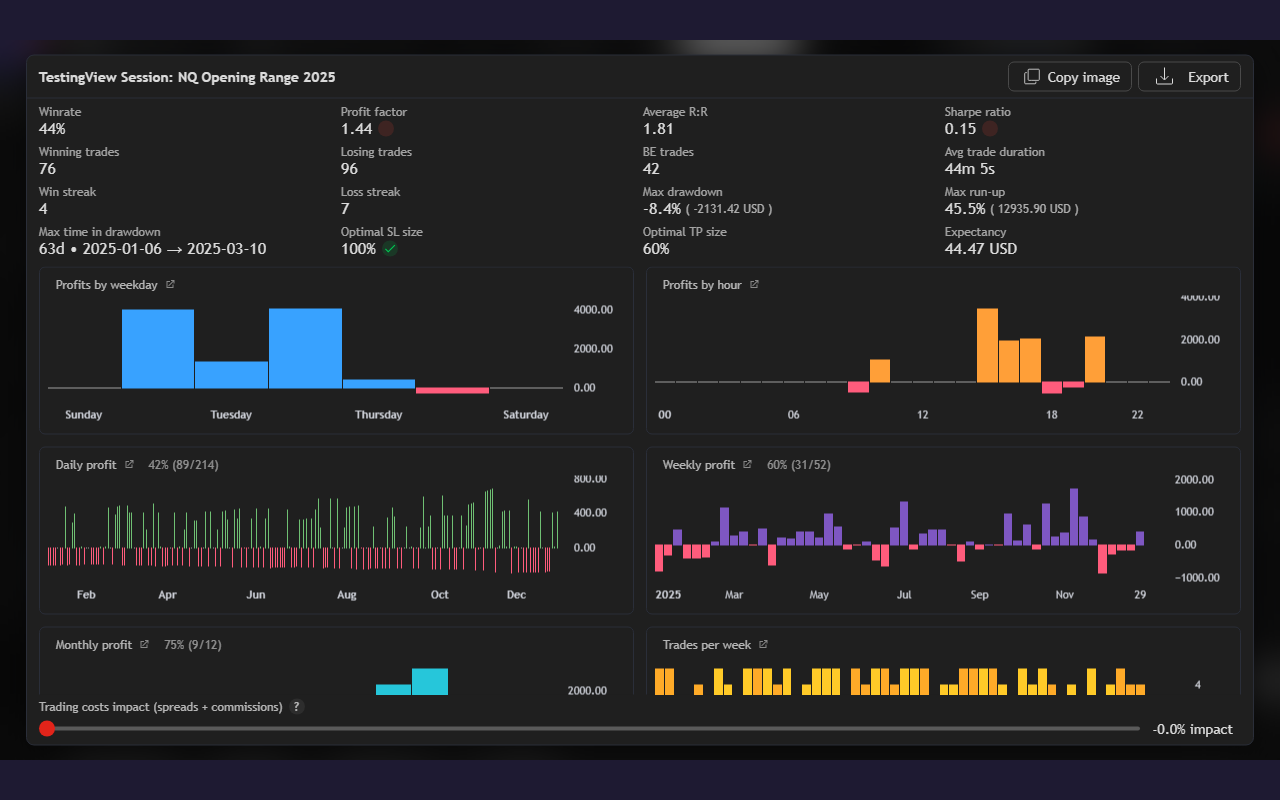
Browse sessions, customization, TradingView integration, and advanced statistics here. Then open the full gallery on the features page.
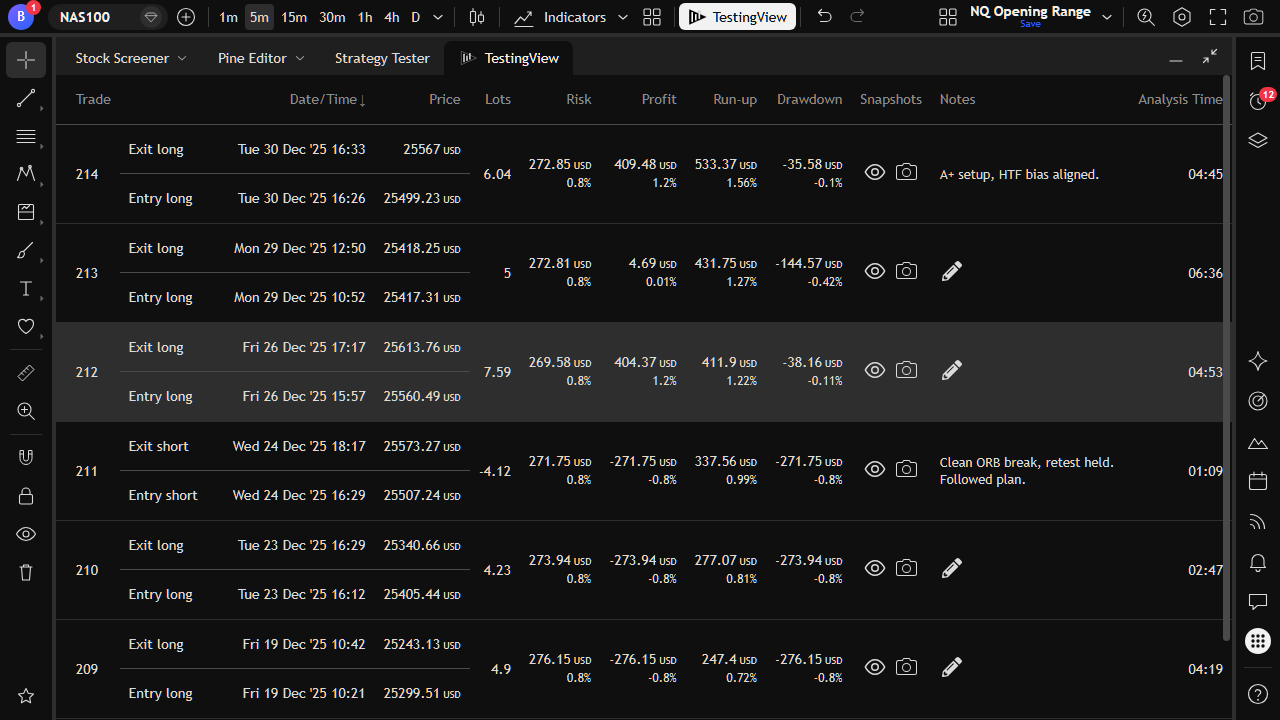
TestingView is a historical candle-replay engine on TradingView. Keep your own indicators on the chart while you backtest. It also includes sessions, tick and intrabar simulation, random practice starts, and playback that keeps future candles hidden. Explore all features.
Size entries with stop loss, take profit, and risk controls that are tied to your session capital.
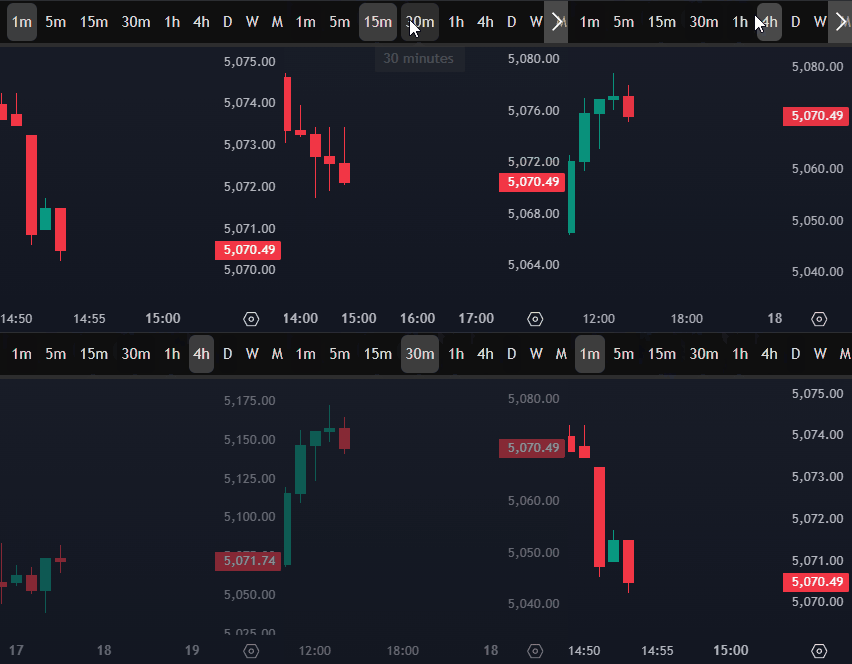
Switch chart intervals without breaking the session or revealing unfinished candles.
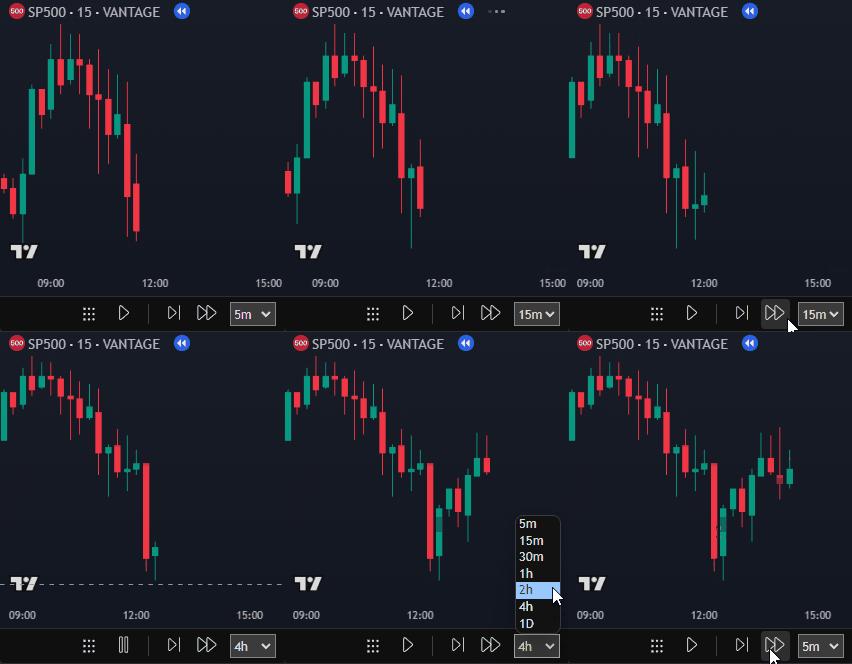
Step, fast-forward, and run tick-by-tick or intrabar simulation through historical candles on TradingView.
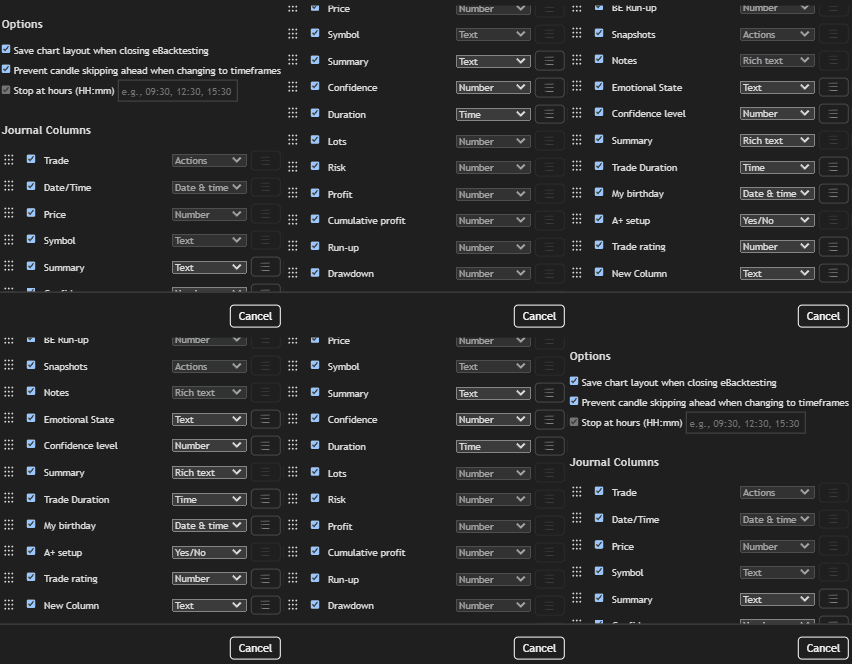
Track backtested trades with notes, snapshots, custom columns, and Excel export on supported plans.
TestingView supports honest historical practice on TradingView. That includes replay integrity, execution realism, and statistical validation.
Use random starting points, reliable future-candle concealment, and protection against look-ahead bias.
Model slippage, spreads, commissions, partial fills, and intrabar order handling.
Run synchronized replay with correct higher-timeframe data availability.
Use Monte Carlo analysis, out-of-sample testing, and confidence intervals.
Compare rule variations across identical historical samples. Keep your own TradingView indicators on the chart while you test.
Script repeatable tests, bulk-run scenarios, and access results programmatically.
Start free with session resume and core backtesting. Upgrade for higher trade limits, break-even, advanced stats, export, and multi-session workflows.